

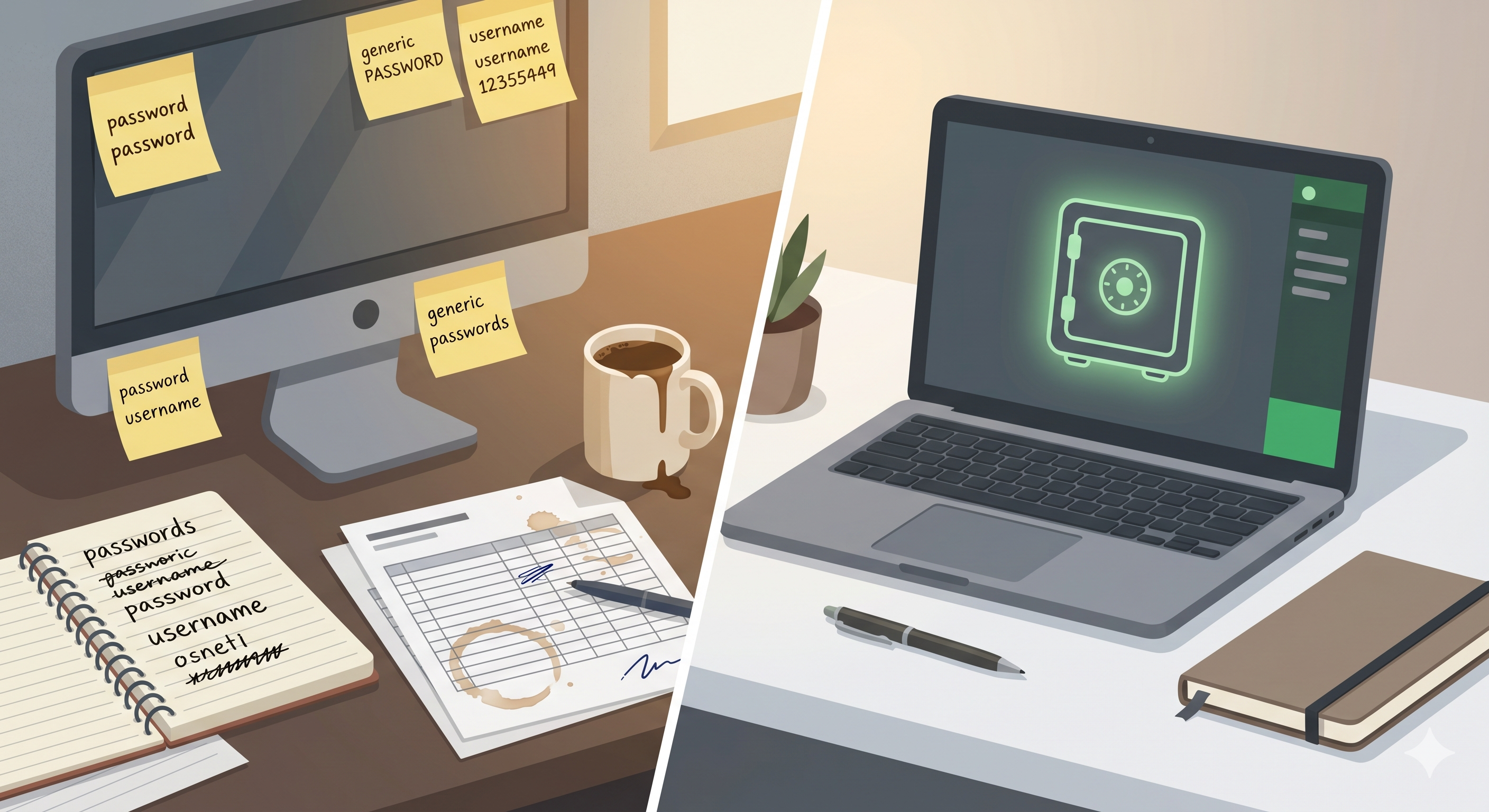
A password on a post-it note stuck to a monitor is not a security strategy. Neither is a shared spreadsheet, a notebook in a desk drawer, or a Slack message that says “hey, what’s the AWS login again?” Yet these habits persist in companies of every size, from startups to publicly traded firms.
The reasoning usually sounds practical: “We only have five people,” or “I’ll remember it,” or “We’ve never had a problem.” That last one is survivorship bias wearing a name badge. The problem has not happened yet.
Table of contents
Open Table of contents
The real cost of “just remembering it”
When credentials live in someone’s head—or worse, on a scrap of paper—three things quietly go wrong.
People reuse passwords. If the company WiFi password is also someone’s email password, one breach unzips everything. Verizon’s 2024 Data Breach Investigations Report found that stolen or weak credentials were involved in nearly half of all breaches. That statistic has barely moved in a decade.
Onboarding and offboarding become dangerous. A new hire asks around for the staging server password. Someone texts it. When that person leaves six months later, nobody rotates the credential. The door stays open and everyone forgets it exists.
There is no audit trail. If something goes wrong, you cannot answer the most basic question: who had access to what, and when?
AI has changed the math on password guessing
Brute-forcing a short, predictable password has always been feasible. What has changed is that large language models and purpose-built cracking tools can now make educated guesses at scale.
Researchers at Home Security Heroes demonstrated in 2023 that an AI-powered tool called PassGAN could crack over half of common passwords in under a minute and 71 percent of them in less than a day. It works by learning the patterns humans fall into—capitalizing the first letter, appending a year, substituting @ for a—and generating candidates that feel random to us but are statistically predictable to a model.
If your company’s convention is CompanyName2025! or Summer2026#, an attacker armed with a fine-tuned model, a list of leaked hashes, and commodity GPUs does not need luck. They need patience measured in hours, not years.
A password vault solves this at the source. It generates long, truly random strings—x7$qL!9mWv@kR2pZ—that no human would choose and no model can predict from patterns, because there are no patterns to learn.
What a vault like 1Password actually gives you
A password vault is not just a digital notebook with a lock. It is an infrastructure layer. Here is what it provides that you would never build or sustain on your own.
Secure sharing without exposure
Need to give a contractor access to a staging API key? In 1Password, you share a vault or a single item. The contractor sees the credential inside the app but never copies it into a text file. When the engagement ends, you revoke access in one click. Compare that to the alternative: sending a password over email, hoping they delete it, and wondering six months later if they did.
Watchtower: breach detection you would never do manually
1Password’s Watchtower feature cross-references your stored credentials against known breach databases (like Have I Been Pwned) and flags weak, reused, or compromised passwords automatically. No human is going to check 200 service accounts against a breach list every morning. Watchtower does it continuously and silently, surfacing only the items that need attention.
Secrets automation for development teams
For engineering teams, 1Password offers a Secrets Automation platform and a CLI that inject credentials into builds, CI/CD pipelines, and server environments without ever writing them to disk or committing them to a repository. A .env file checked into Git is an open invitation. A reference to a 1Password secret that is resolved at runtime is not.
Travel Mode
Crossing an international border where devices may be inspected? 1Password’s Travel Mode lets you temporarily remove sensitive vaults from a device. Only vaults marked “safe for travel” remain visible. Once you arrive, you toggle Travel Mode off and everything reappears. Try replicating that with a notebook.
Passkey and MFA management
Passwords are already giving way to passkeys in many services. 1Password stores and autofills passkeys alongside traditional credentials, so the transition does not mean juggling yet another tool. It also serves as an authenticator for TOTP two-factor codes, consolidating what would otherwise be a mess of separate apps and backup codes.
“We’re too small for this”
You are not. A freelancer with a handful of client logins is exactly the profile that suffers most from a single breach—because there is no security team to contain the damage and no PR department to manage the fallout.
1Password’s pricing starts at a few dollars per user per month. The time you save not resetting forgotten passwords, not onboarding people through DMs, and not lying awake wondering if the intern still has the production database password will pay for itself before the first quarterly review.
The habit shift
Moving to a vault is less a technology decision than a habit change. The hardest part is the first week: importing existing passwords, agreeing on a vault structure, and convincing the person who “has a system” that their system is a liability.
After that, the daily experience is easier than what it replaces. You stop typing passwords. You stop resetting passwords. You stop wondering if that Google Doc full of credentials is shared with the right people.
Post-it notes are great for reminding yourself to buy milk. They are not where your business secrets belong.